
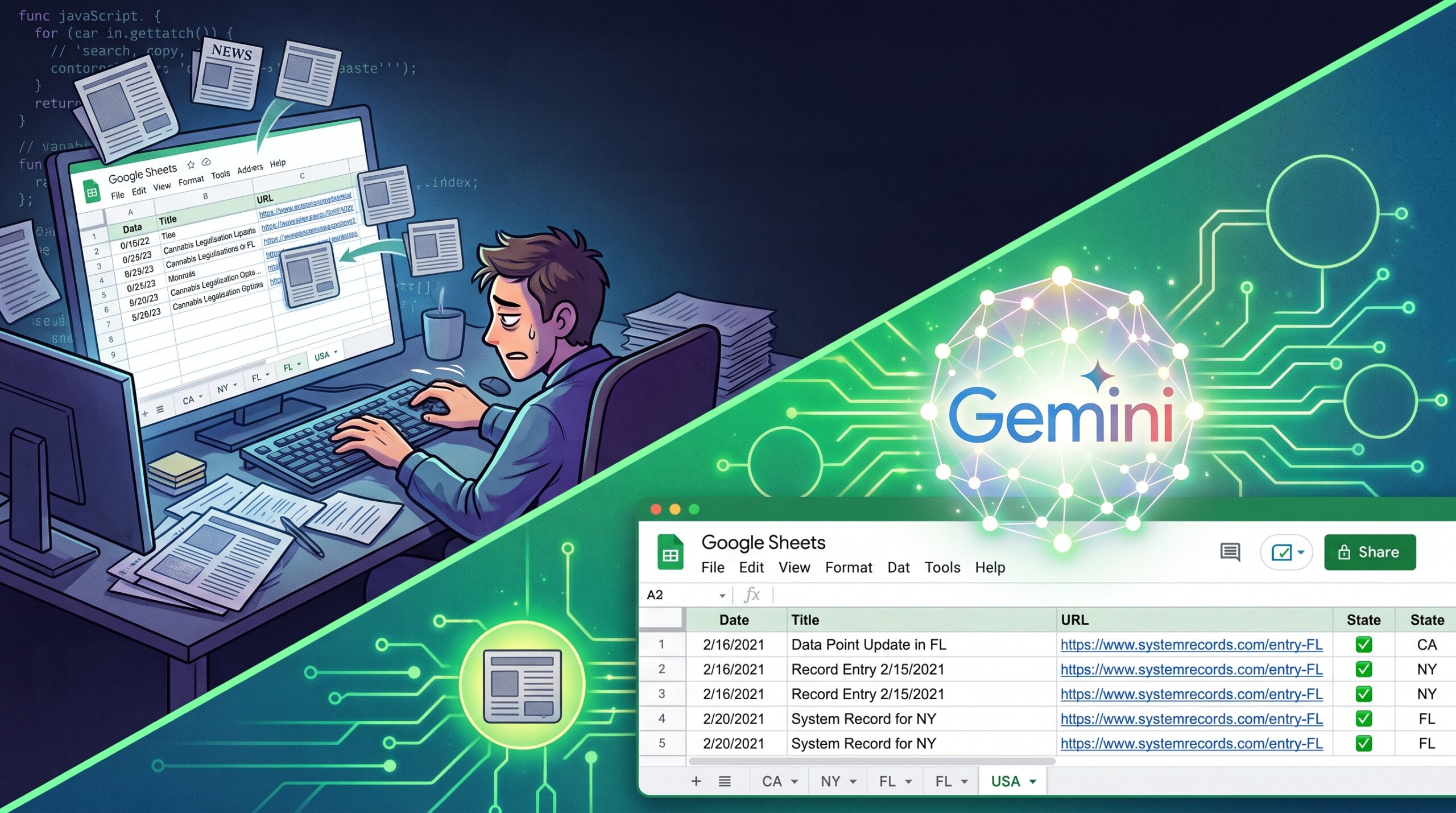
Have you ever manually searched for cannabis news, copied the title, pasted the URL, and dropped it into the right state tab of a spreadsheet? Of course you have! It’s what most of us do to keep Market Guide relevant. Well, I have good news — AI can do that now.
I used Gemini to automate the process of searching for and identifying relevant news articles for Market Guide, then writing the key data points straight into the spreadsheet that feeds it. Publish date, title, source URL, correct state tab — the whole tedious routine, gone.
Why Gemini, and not Claude or ChatGPT?
Because Gemini lives inside the Google ecosystem, and my whole workflow does too: Google Search, Google Sheets, Google Apps Script for the JavaScript running underneath it all. Claude or ChatGPT might have gotten me to the same place eventually, but I figured Gemini had the shortest commute.
Spoiler alert, it wasn’t that short. But let me walk you through the scenic route.
The Golden Rule: Prompt, Review, Refine
You know the drill by now — you write a prompt, you look at what you got, you tell the AI what’s wrong, and you do it again. And again. Here’s how that played out.
The first prompt matters most. You want to state your goal clearly without micromanaging the how. Mine looked something like this:
Automate the process of searching for and identifying relevant news articles, then write certain data points — publish date, title, source URL — to a spreadsheet, filed under a tab named for each state’s two-letter abbreviation. Collect no more than 10 articles per run, and never duplicate an article already collected.
That’s your MVP — the minimum viable product. Notice what’s missing: a ton of detail I could have thrown in but deliberately didn’t. The goal is to let your AI (or your dev team, if you’re doing this the old-fashioned way) hit the MVP bar before you start layering on nice-to-haves. It’s also a gut check on method — if your approach needs money or time you don’t have, better to find that out on attempt one than attempt ten.
Detour #1: Google Cloud was a dead end
Gemini’s first instinct was to spin up a custom Google search engine through Google Cloud, accessible via API key. Reasonable! Except the first real test run hit a rate limit almost immediately — too many requests, too fast. Gemini tried to patch around it by adding pauses between searches, which “worked,” in the sense that a full run now took several hours instead of failing outright.
Not exactly the productivity win I was going for.
Detour #2 (the good one): Google News RSS
I complained, and Gemini suggested we try the Google News RSS feed instead. Downside: the RSS feed runs on its own algorithm, so it’s hard to control exactly which articles get picked up or how fast. Upside: no more Google Cloud, no API key, no quotas, no rate limits, no multi-hour test runs.
This was the actual turning point. Suddenly I could run a search, see the results, tell Gemini what was wrong, and get a fix back in minutes instead of hours. That speed is what made the rest of this possible — none of the refinements below would’ve happened if every test cycle cost me an afternoon.
Teaching Gemini the difference between “Indiana” and “in”
Once iteration got fast, the real fine-tuning started:
- Prioritized sources. I had Gemini check trusted outlets first — mjbizdaily.com, marijuanamoment.net, ganjapreneur.com, and a few others — before falling back to a general search.
- Search accuracy. This one took a while. I initially wanted the state name or abbreviation in the article title, so a Florida article that merely linked to a Nevada story in its sidebar wouldn’t wrongly land on the NV tab. Great idea — until every article containing the word “in” started showing up on the Indiana tab. Same problem with “or” and Oregon. Solution: a growing list of exceptions for every state abbreviation that doubles as an English word.
- Results accuracy. Plenty of news sites have entire landing pages devoted to a state — think mjbizdaily.com/topic/utah — which is a page about Utah news, not itself an article. Cue another list of exceptions, this time based on URL patterns like /topic/, /category/, /state/… and every other variant we kept discovering.
And then the genuinely tricky edge cases:
- “Kansas City, MO” in a headline could land on either the KS or MO tab. Fixed with what I’ve been calling “negative location exclusion” — fancy talk for: when sorting for Kansas, reject anything whose title also says Missouri.
- Event announcements kept sneaking into search results. Now there’s a flag for words like “attend,” “register,” “webinar,” and “panel discussion” that filters those out.
- DC vs. USA, and DC vs. WA. Still fighting this one. If you have a clean rule for telling “Washington” the state from “Washington” the district, I am all ears.
Once the core worked, we added the nice-to-haves
With the fundamentals solid, Gemini and I layered on:
- A daily trigger that runs the whole process for every state, DC, and the USA tab at 6am MT
- A failure notification, so I find out immediately if a run breaks instead of discovering it three days later
- Automatic sorting so articles land in descending date order after every run, even across multiple runs
- Formatting that matches what WordPress needs to display everything correctly in Market Guide
- A configuration tab where I can adjust the variables without having to touch the code: the number of days back to search, the search terms that refine the results, the terms that exclude results, and the priority news sources.
Where this stands
I think it’s done, but “I think” is doing some work in that sentence — I won’t really know until it’s run cleanly for a few days. So for now it’s running quietly on a copy of the SMG Recent News spreadsheet. I check in every morning to read the rejection logs and see if the search logic needs another tweak.
Things are going reasonably well, so I’m aiming for September 1st as the release date — starting a new automation on the first of a month just makes reporting cleaner.
Why this matters for all of us
I wanted to get this written up while it’s still fresh (before putting the work into production), because the results are honestly kind of wild. Through today, we’ve collected nearly 14,000 articles for Market Guide. Assume 30 seconds per article to find, verify, and record by hand, and that’s roughly 117 hours of human time that went into this. That’s spread across several of us, so it’s not a dramatic individual time savings — but it’s not nothing either. Most importantly, it’s 117 hours we can now spend on work that actually needs a human brain.
There’s a product management benefit as well. As humans, we make strong judgment calls on whether to include an article. But our very human flaw is that we don’t always collect these articles in a timely manner. Sometimes we have other priorities, take vacations, avoid the work because it’s tedious, or just plain forget. How often did a user look at a recent news table and think, “this doesn’t look current”? We’ll never know.
But now we know, the search runs every morning whether we’re working or not. Early test results show the average age of the most recent article dropped by 33% – from 15.4 days to 10.3 days. That’s a noticeable improvement, and the number of articles found in a month should improve as well (once the automation has been running for a month). Maybe not for Vanessa, who seems to be able to find gobs of news stories every month, but for the rest of us!
Here’s the actual point of this post: almost everything I automated here is something you’re currently doing by hand in a spreadsheet somewhere. Search, verify, copy, paste, format, repeat. That’s exactly the kind of task AI is good at taking off your plate — and you don’t need to be an engineer to get there. I just followed “prompt, review, refine,” argued with Gemini about Kansas City for a while, and ended up with something that runs itself.
If there’s a spreadsheet task eating your week, it might be worth an afternoon with an AI tool to see how far you get.
That’s really cool. I would never have thought of the issue with Kansas City.